
Welcome to OptoSense
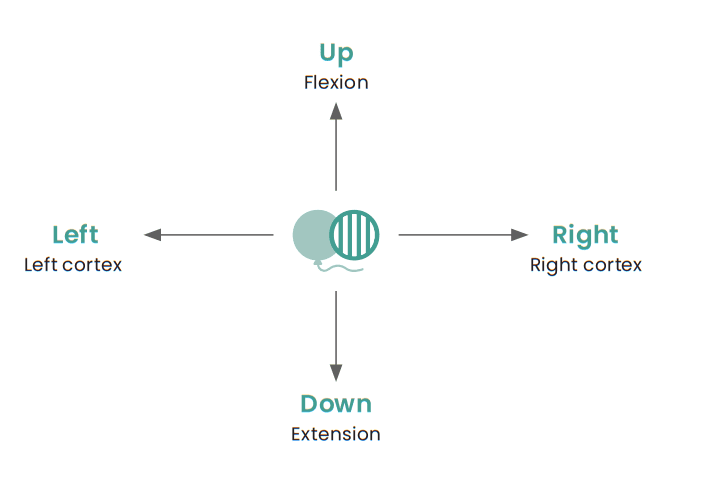
OptoSense is an app to elicit optokinetic nystagmus (OKN) and to train Smooth Pursuits and Saccadic eye movement with cognitive demand.
To elicit the OKN response, simply place the device, displaying the desired images, in front of the eyes.
OptoSense can be used by everyone, but is created to be more child relevant, with a wide selection of different images.
The interactive function helps to increase the cognitive demand and stay focused, and therefore the drill will also become more beneficial.
Learn more about using the app and find plenty of inspiration in our printable worksheets at the bottom of the page.


The developers of OptoSense do not take responsibility for the type of training this app is used for. If a child is using the app, the child should always be supervised for proper use.
If you are unsure whether the training may benefit you or your child, it is recommended that you seek guidance from a professional with expertise in functional neurology.
What can OptoSense be used for?
Direction of the images
Horizontal OPK:
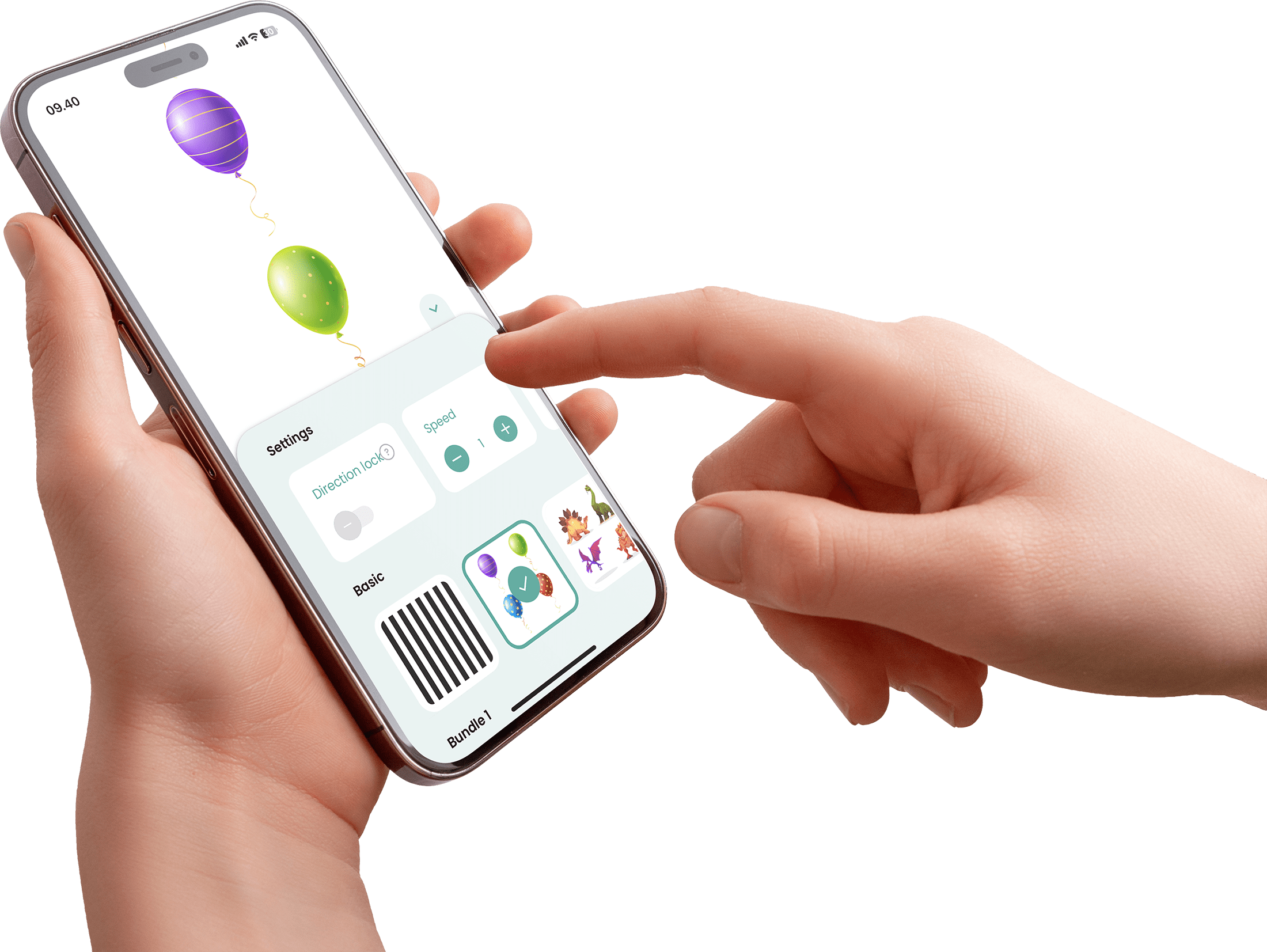
Initiate motion of the images; Left → Right, provides Right Cortex stimuli.
Horizontal Smooth Pursuit to the Right is activated by the Right Parietal Lobe (and error detection Left Cerebellum).
Horizontal Saccadic eye movement to the Left is initiated by the Right Frontal Lobe and Left Cerebellum stops the movement.
Initiate motion of the images; Left ← Right, provides Left Cortex stimuli.
Horizontal Smooth Pursuit to the Left is activated by the Left Parietal lobe (and error detection Right Cerebellum)
Horizontal Saccadic eye movement to the Right is initiated by the Left Frontal lobe and Right Cerebellum stops the movement.
Vertical OPK:
Vertical OPKs can affect flexion and extension muscle tone and are controlled more bilaterale and by many different brain structures.
Vertical OPK images going Up ↑ will become a strong signal to activate general flexion muscle tone in the body.
Vertical OPK images going Down ↓ will become a strong signal to activate general extension muscle tone in the body.
Vertical Smooth Pursuits are, among other areas, controlled by: Occipital Lobe, Temporal Lobe, Cerebellum (CB) and Pons.
Vertical Saccadic eye movement are, among other areas, controlled by: Midbrain/Mesencephalon,
Pons, Frontal Lobe, Parietal lobe, Cerebellum (CB) and Basal Ganglia.
The connection between OPKs and extension and flexion muscle tone.
The eyes and the inner ear (the vestibular system) is connected and are always working together.
The brain should always agree on how to interpretate and integrate signals from the vison and vestibular systems. An e.g. of this, is standing in an elevator with a window, when the elevator is going down, the inner ear sends signal to the brain that the body is moving downwards and when looking through the window, the images will be moving upwards and as a result of these two inputs to the brain, the output will be an increase in flexion muscle tone.
Therefore, looking at images going upwards alone, without any vestibular activation, will give the brain the perception of going downwards and increase flexion muscle tone, even when standing still on the ground.
When disfunction/mismatch between these two systems occurs, motion sickness f.eg. can be the consequence.
How to use the OptoSense app?
To change the directions of the pictures, turn the device 90 degrees – 360 degrees in total to experience all 4 directions (right, left, up and down).

Interactive and Random
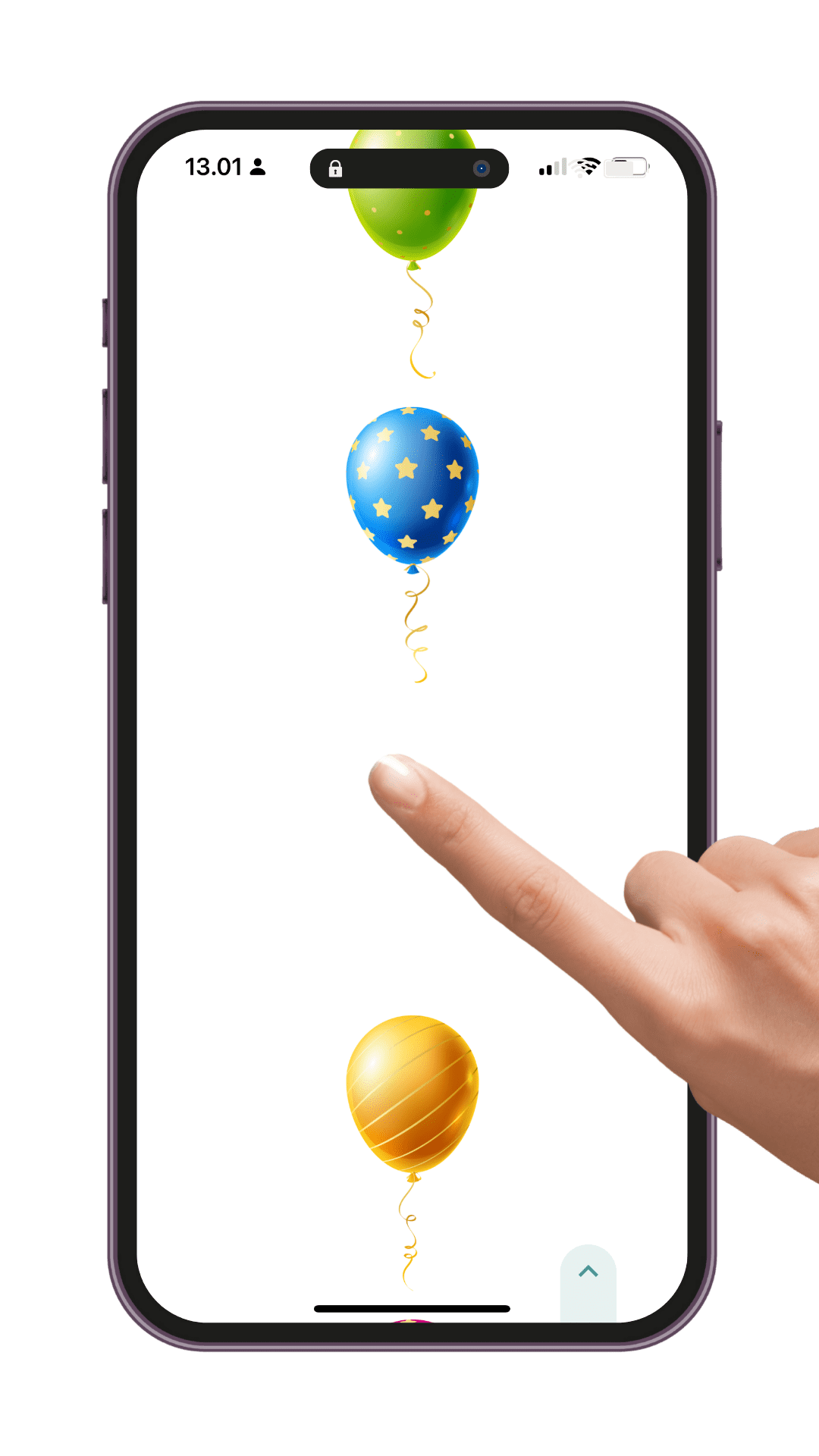
When Interactive is activated, the images will temporarily dissolve when pressed on.
When Random is activated, the images will appear in random order.
These functions helps to stay more focused on the images and makes it more cognitive demanding.

Direction
To change the directions of the OPK images, turn the device 90 degrees, 360 degrees in total to experience all 4 directions (right, left, up and down).
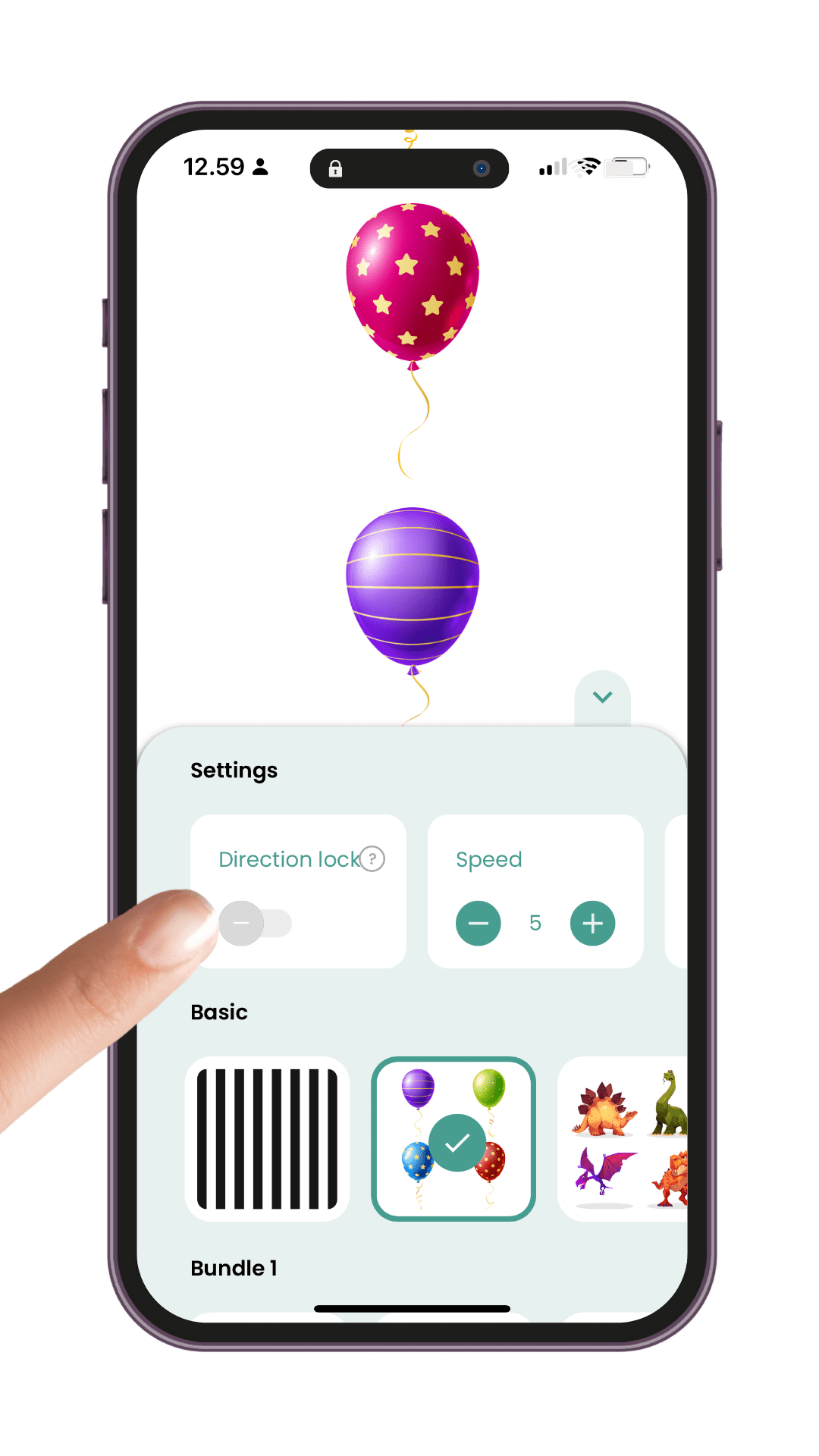
Direction lock
You can lock the direction of the image scrolls in the menu.
Use this this function, if the images seem unstable, when the device is angled.
Hold on the screen for 3 seconds, to unlock.

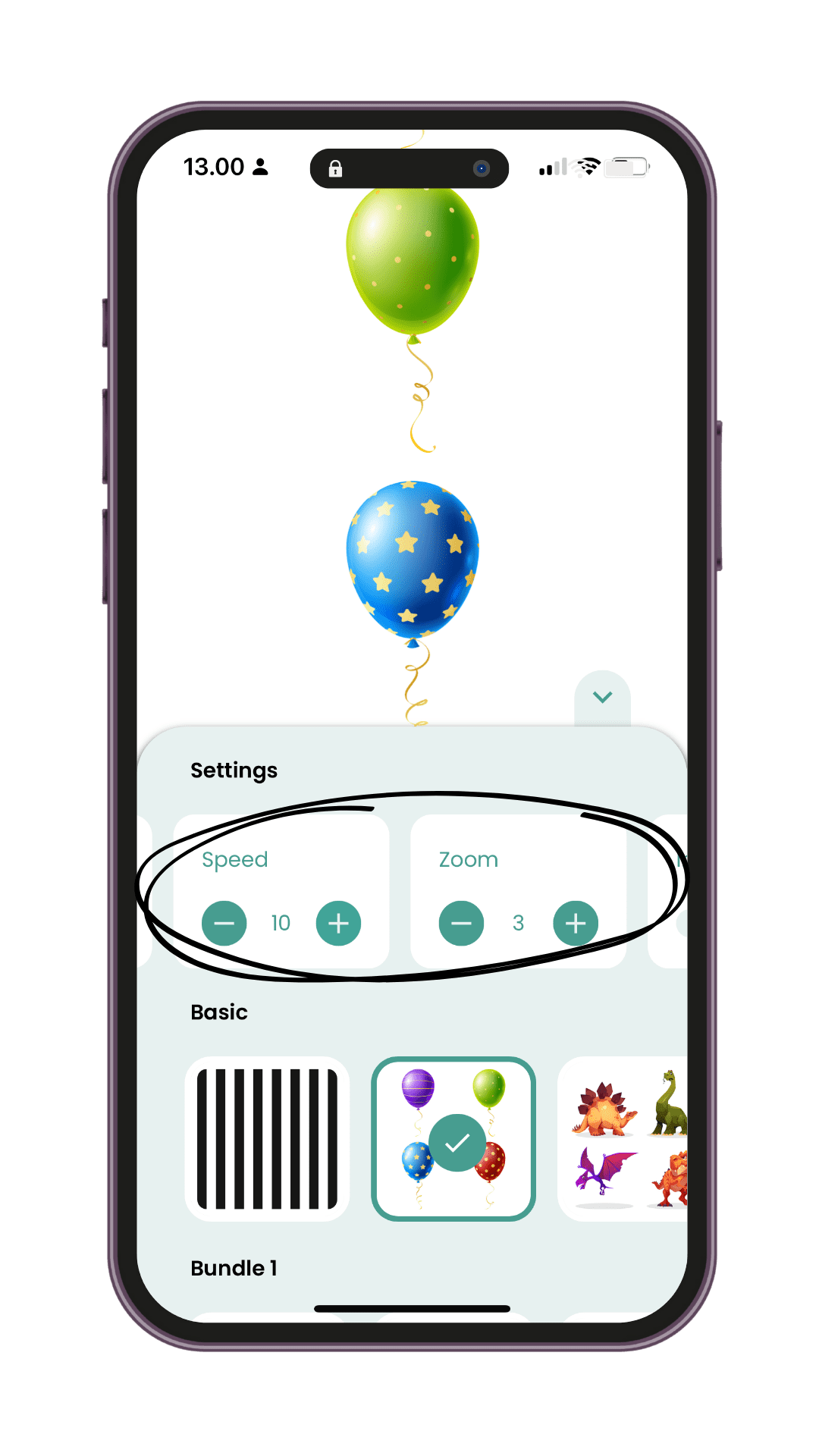
Zoom and Speed
Adjust image size and speed in the menu.

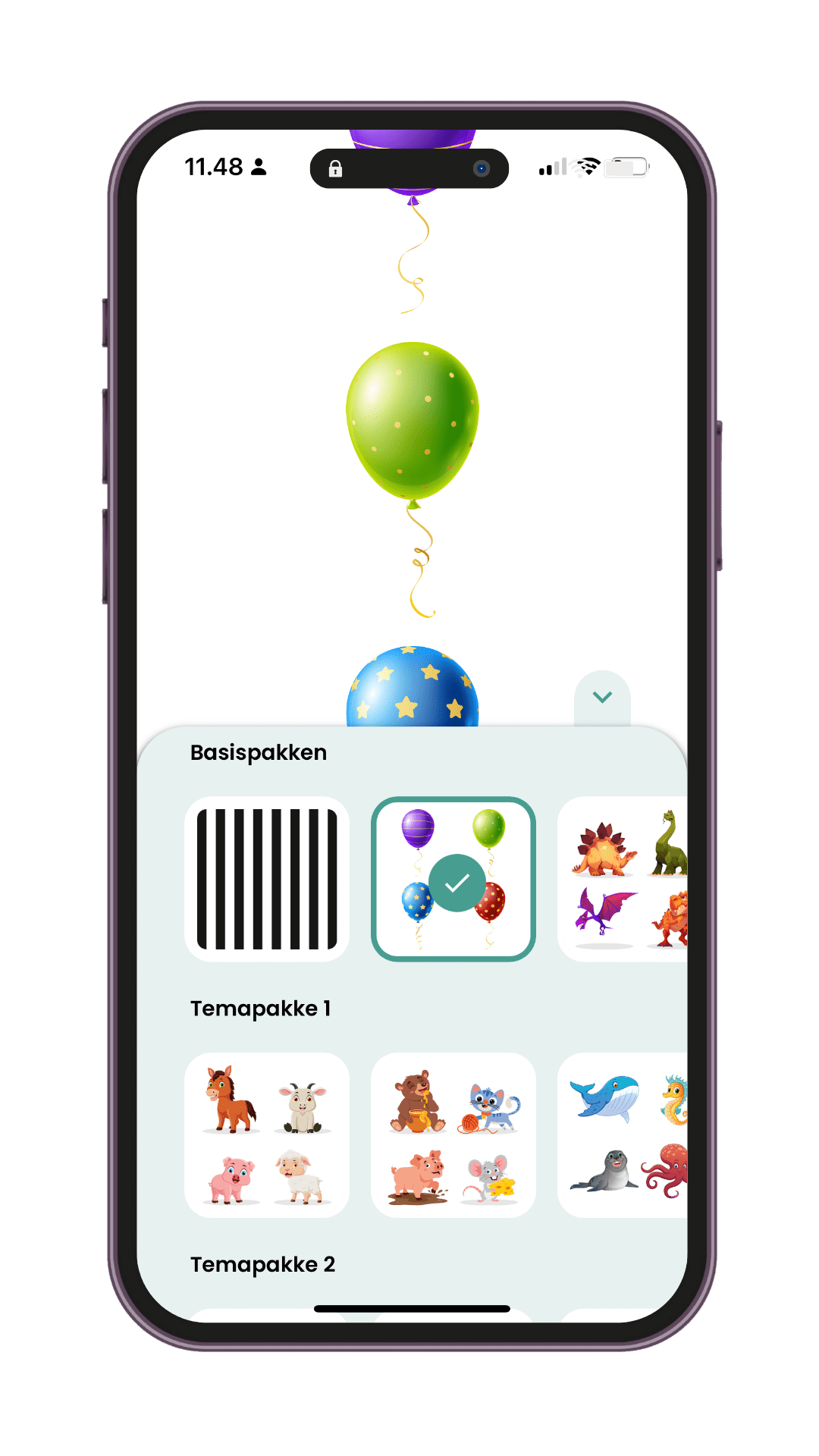
Different images
Choose and shift between the different images combinations in the menu.
The basic bundle includes 6 image scrolls. It is possible to purchase additional bundles.
Next Level OPK
Is a more advanced bundle and is highly relevant for athletes at any age and levels.
If the screen freezes, close OptoSense entirely, and reopen.
If this problem occur repeatedly, turn off any background apps and internet pages and use the fly function on your device.
Use of OptoSense
To trigger the Optokinetic Nystagmus (OKN) response, simply place the device with the desired image(s) in front of the user’s eyes.
If the OKN response does not appear, instruct the user to follow a random image with their eyes as it scrolls onto the screen and all the way off again—repeat this process.
Training with the eyes activates many areas in both the brainstem and cerebral cortex and therefore requires a lot of energy. It is better to do several short training sessions than a few long ones. If challenges or discomfort occur, ensure energy levels are replenished before trying the exercise again. If problems persist, stop the exercise and consult a specialist.
Regardless of whether the user is a child or an adult, it’s always recommended to gradually build up tolerance to the app. Some users may benefit after just a few seconds, while others may reach optimal benefit only after a significantly longer time.
This also depends on the image size and speed selected for the image sequence.
The optimal training duration for each user also depends on the cognitive complexity level involved during use of OptoSense, making it impossible to prescribe a one-size-fits-all duration. Instead, watch for early signs of fatigue.
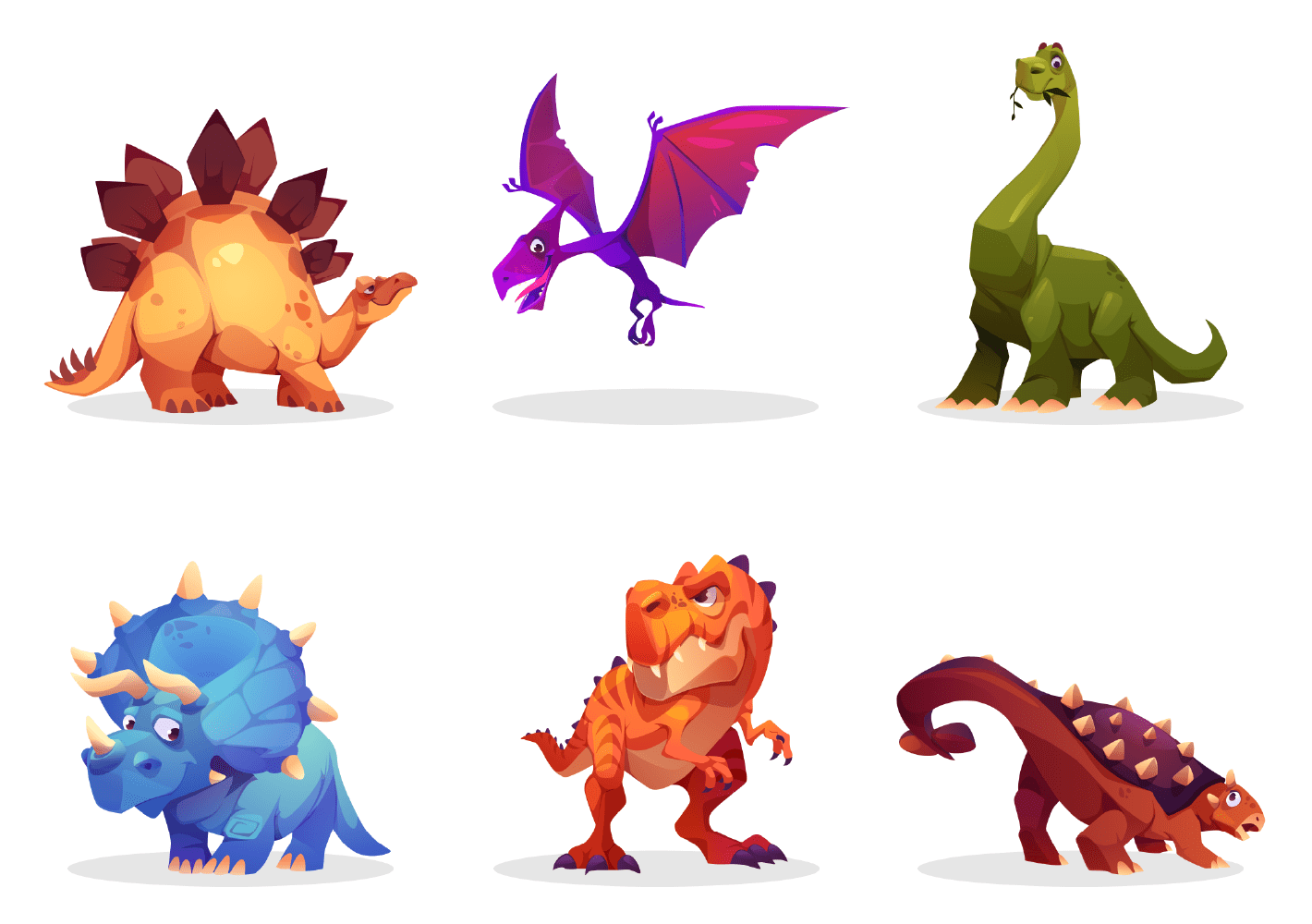

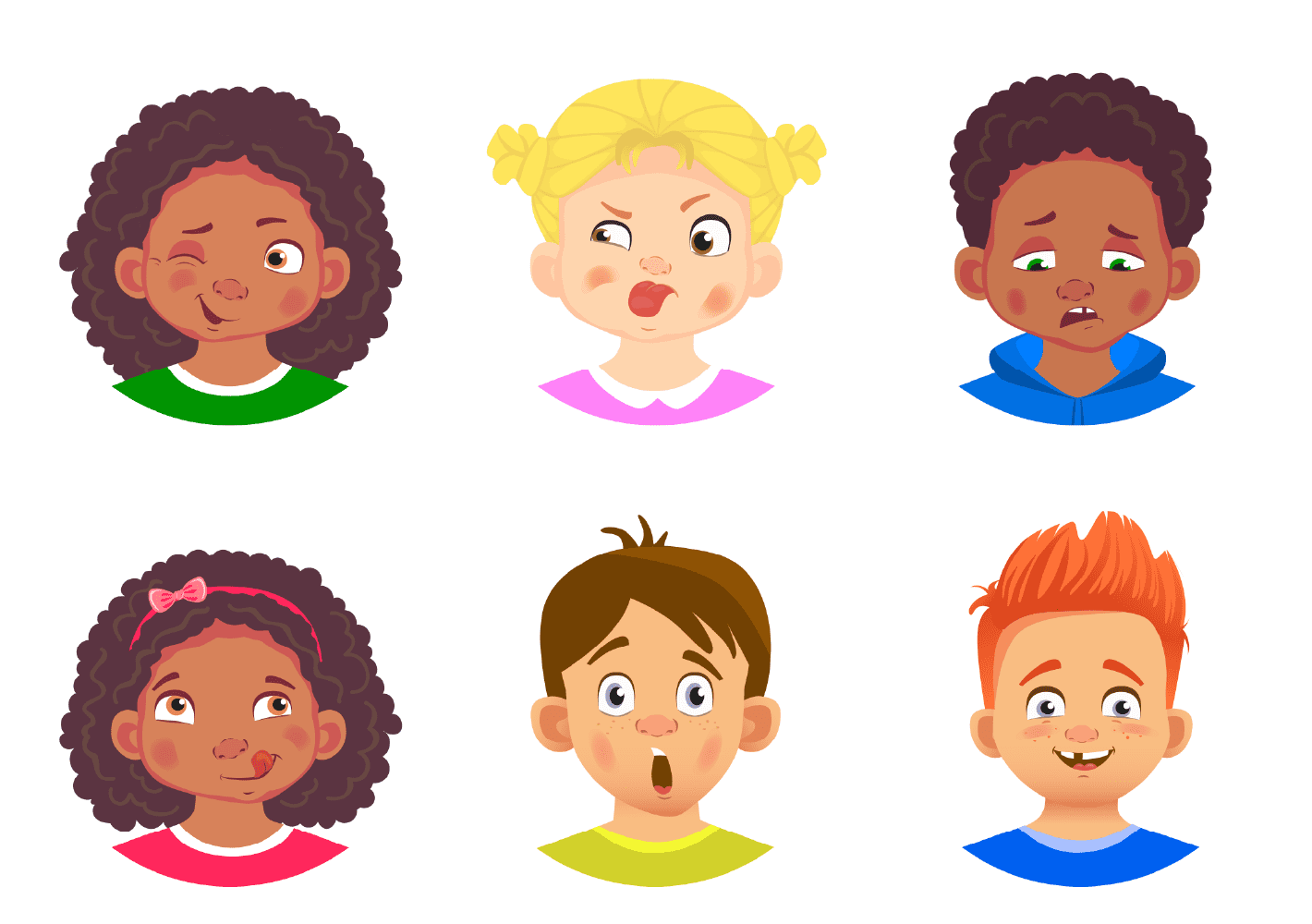

Additional inspiration for OptoSense
Find our print-friendly worksheets in 2 different languages below
Ideas for making OptoSense training cognitive:
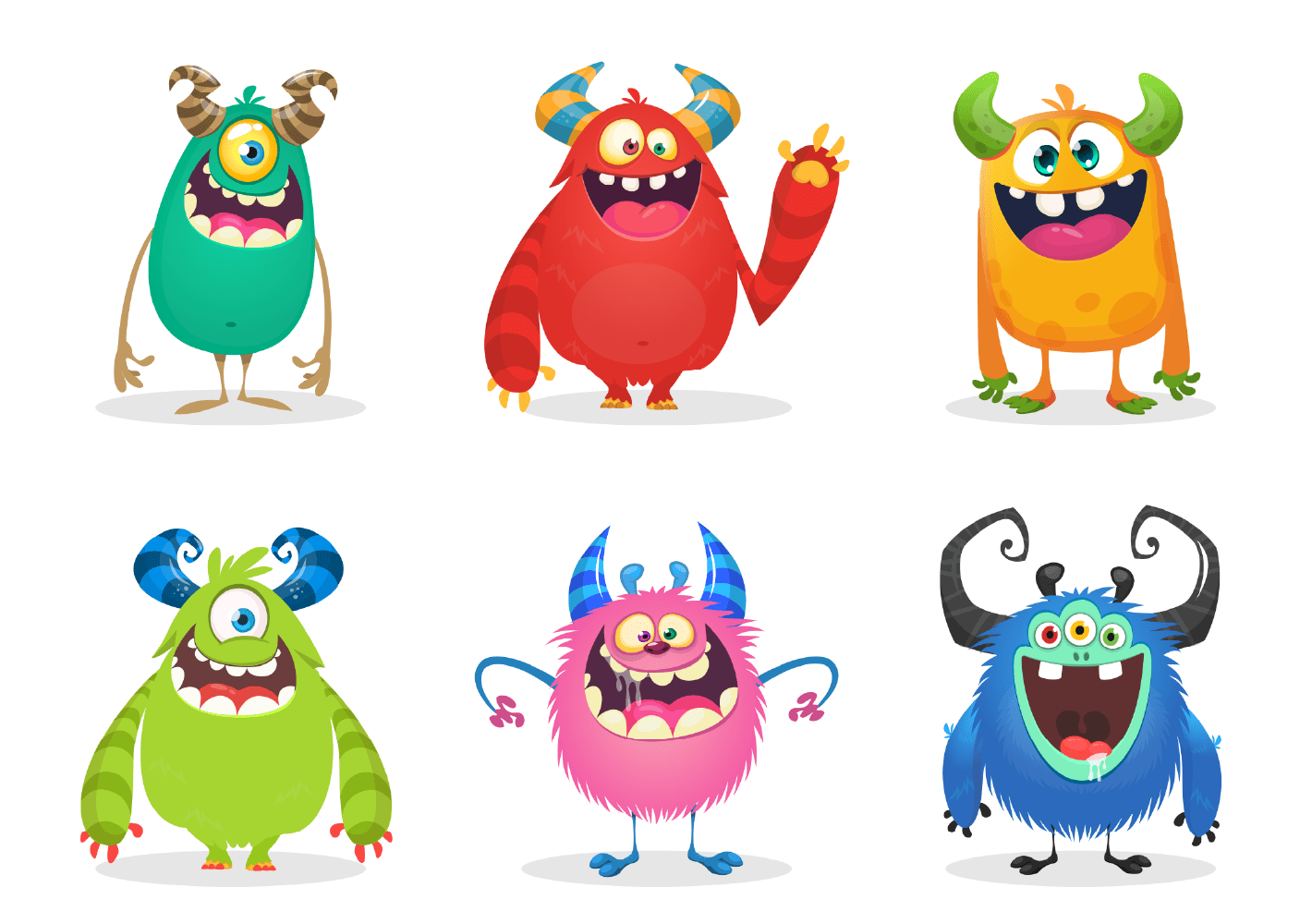
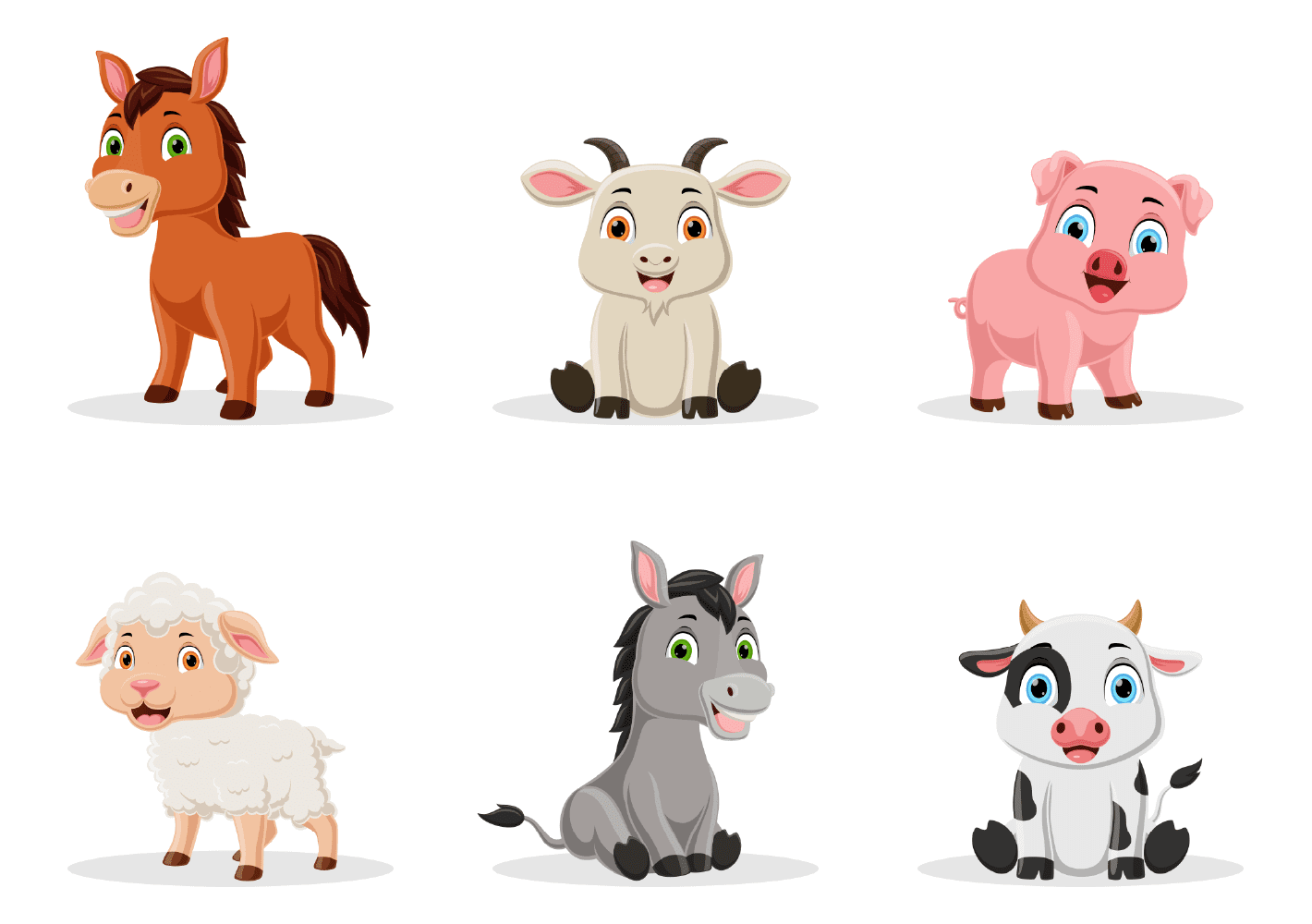
OptoSense is created with a wide selection of images with different details, to talk about, focus on and build cognitive tasks around.
When the active function is activated, the images will temporarily dissolve when pressed on – this helps to stay more focused on the images and makes it more cognitive demanding and therefore, the drill will also become more beneficial.
If OptoSense is being used by a child, talk about the details in the images, the colors, the shapes, wich has something I common? etc.
Suggestions for Discussion or Pointing Tasks:
Balloons:
- What colors are the balloons?
- What decorations do they have (stars, dots, stripes)?
- What colors are the balloons with stars on (dots, stripes)?
- How many loops are on the string of the blue balloon (or other colors)?
- Which balloons have two loops?
- Which balloons have something in common?
- Point to all balloons with stars.
- Point to all balloons with dots.
- Point to all balloons with stripes.
- Point to all balloons with 2 loops.
- Point at all the balloons with blue and green colors (or other colors)
Next Level OPK inspiration
Eye training is relevant through all phases of life and therefore OptoSense can be utilized at any given age. And with “Next Level OPK” bundle (in-app purchase) OptoSense is highly relevant for athletes at any age and levels.
Ideas for using Next Level OPK
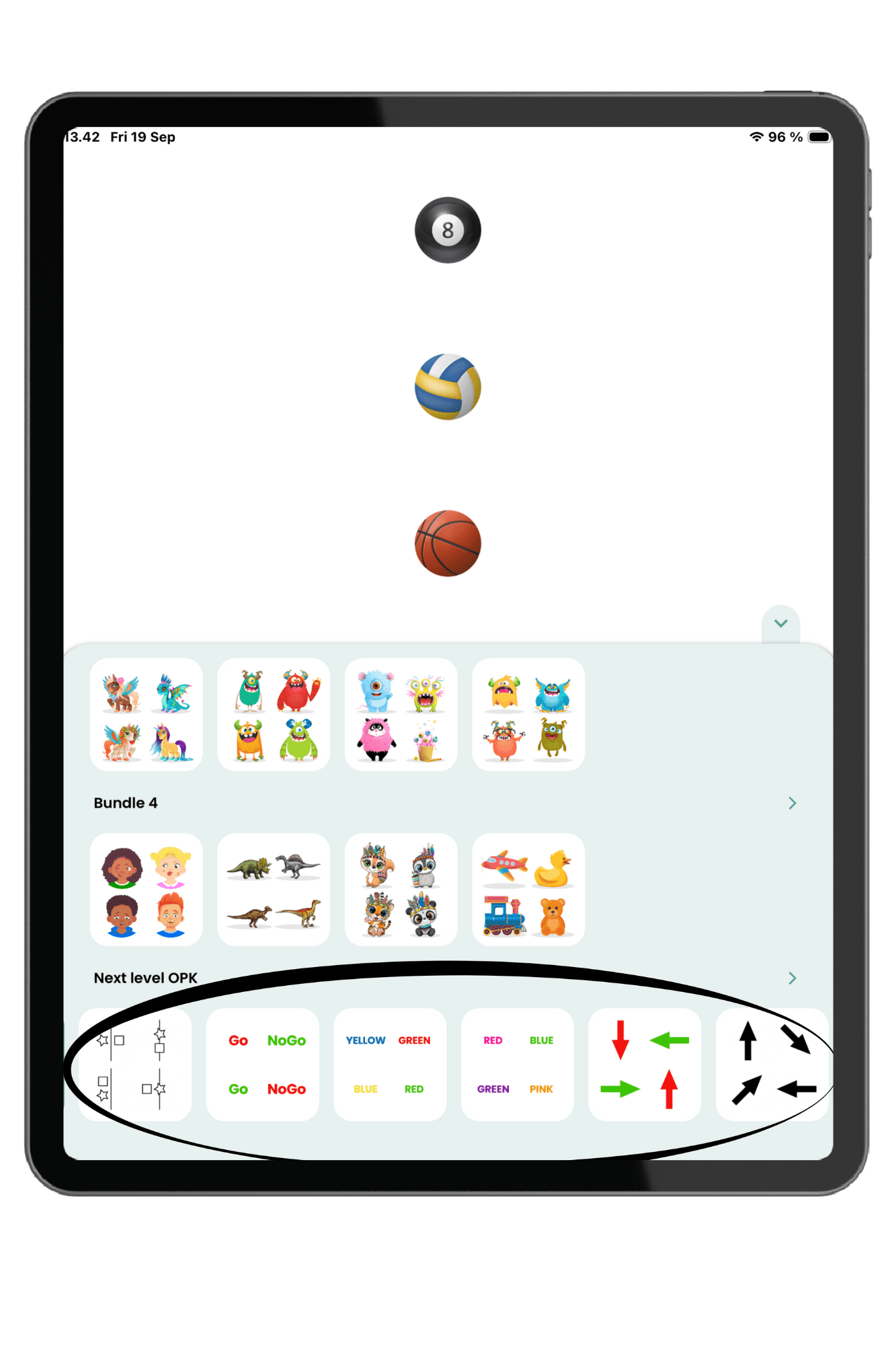
“Next Level OPK” can be purchased “in-app”, it includes 7 images scrolls, each scroll contains 8 images.
– 2 image scrolls with different Stroop variations
– 1 image scroll with black arrows in 8 “compass directions”
– 1 image scroll with red/green arrows in 4 different directions
– 1 image scroll with coordination tasks
– 1 image scroll with red/green ”Go/NoGo”
– 1 image scroll with 8 different sports balls.